Templates
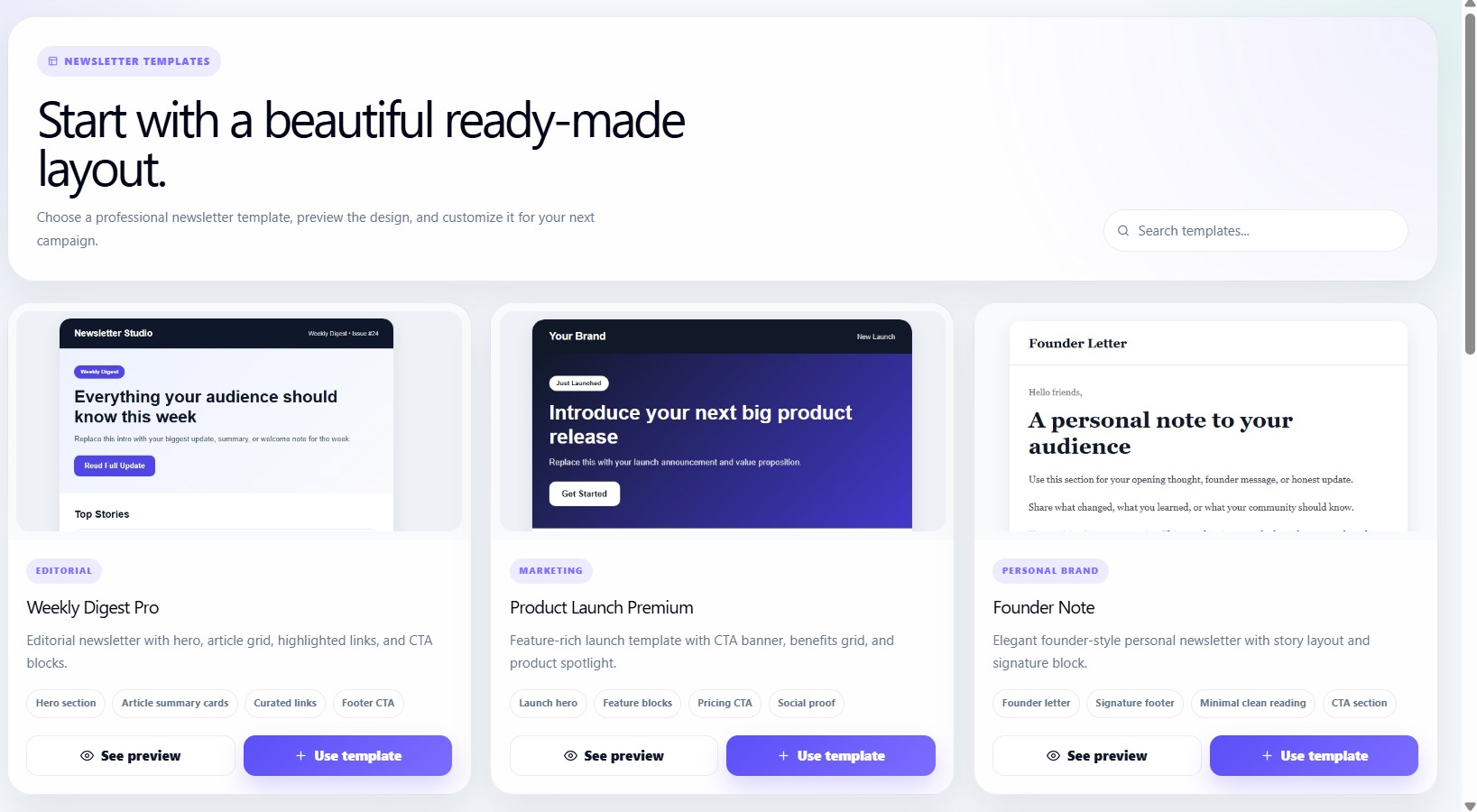
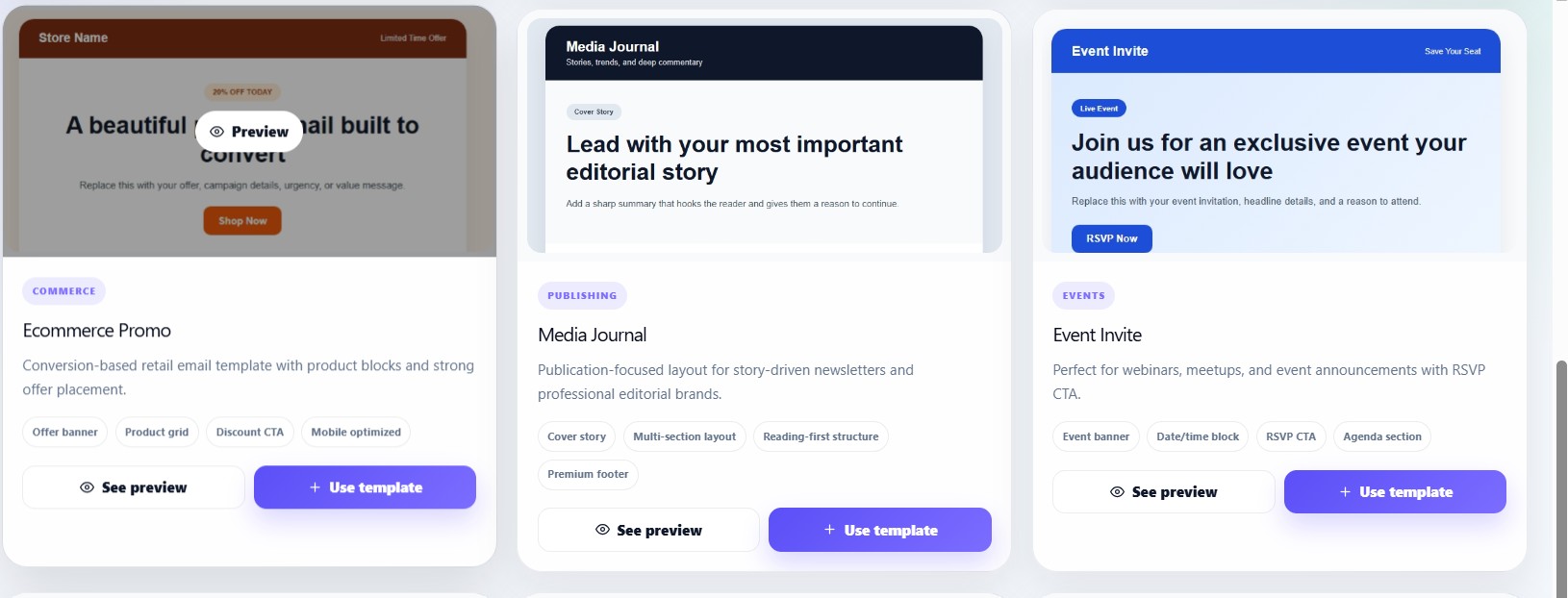
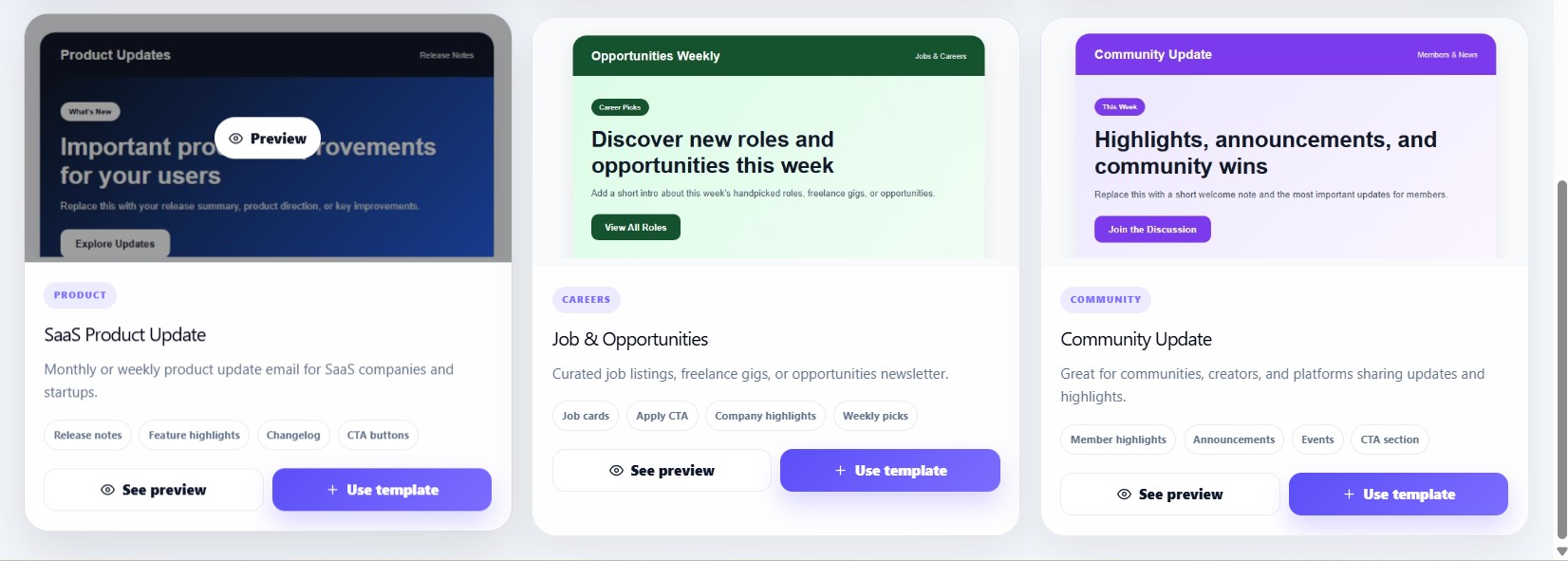
The Templates section allows users to quickly start campaigns using professionally designed newsletter layouts.
Templates workspace
Users can:
- Browse templates
- Search templates
- Preview templates
- Use templates directly in campaigns
Template categories
Templates are organized using categories.
Examples include:
- Business
- Product launch
- Creator newsletter
- Marketing
- Announcement
- Promotional
Template cards
Each template card contains:
- Template thumbnail
- Template name
- Category
- Description
- Feature tags
- Preview button
- Use Template button
Template preview
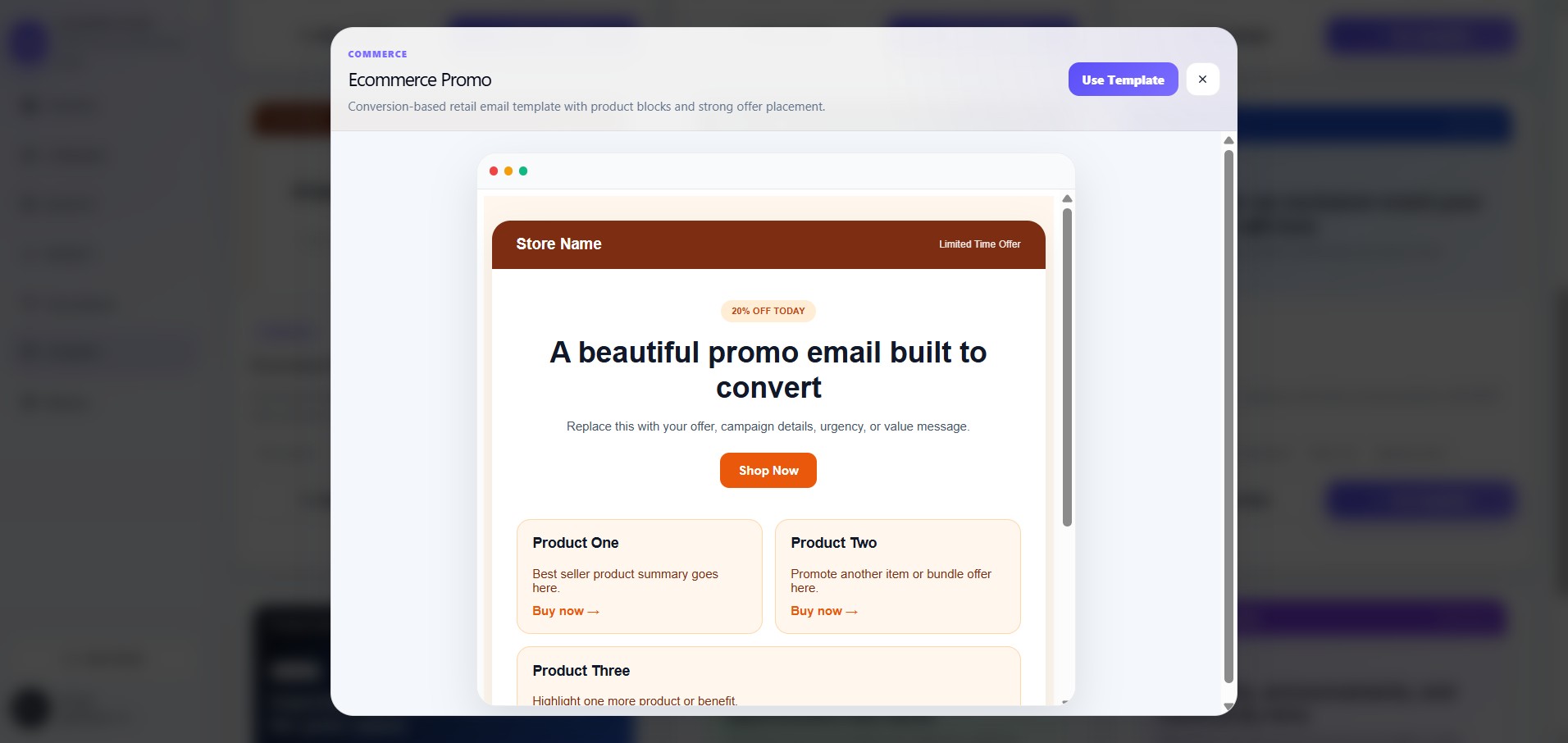
Users can open a live preview modal before using a template.
The preview window includes:
- Full newsletter design
- Real template rendering
- Browser-style preview frame
Search templates
Users can search templates using:
- Template name
- Category
- Description
Using a template
When a user clicks:
Use Template
the dashboard automatically opens the campaign creation workflow with the selected template already attached.
Campaign flow with templates
Templates
→ Select Template
→ Use Template
→ Create Campaign
→ Campaign Editor
→ Campaign Review
Responsive template system
The templates page supports:
- Desktop layouts
- Responsive grids
- Mobile previews
- Dynamic template filtering