Overview
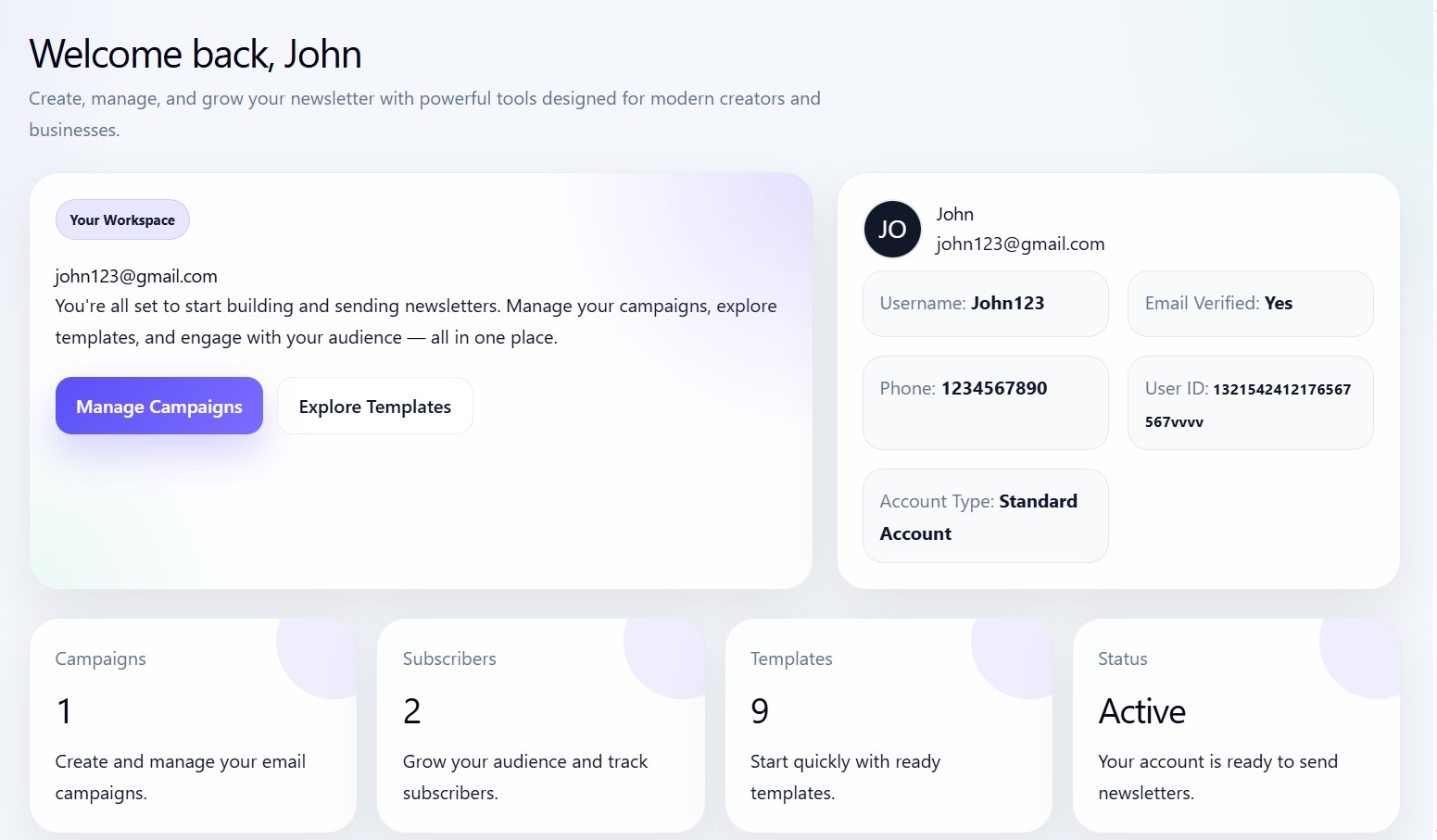
The Overview page is the main starting screen inside Newsletter Studio. It gives users a quick summary of their newsletter workspace, account information, campaign statistics, audience size, and available templates.
Overview workspace
The page welcomes users back using their account profile details.
Example sections include:
- Workspace information
- Newsletter account summary
- Campaign statistics
- Subscriber statistics
- Template count
- Newsletter account status
Hero section
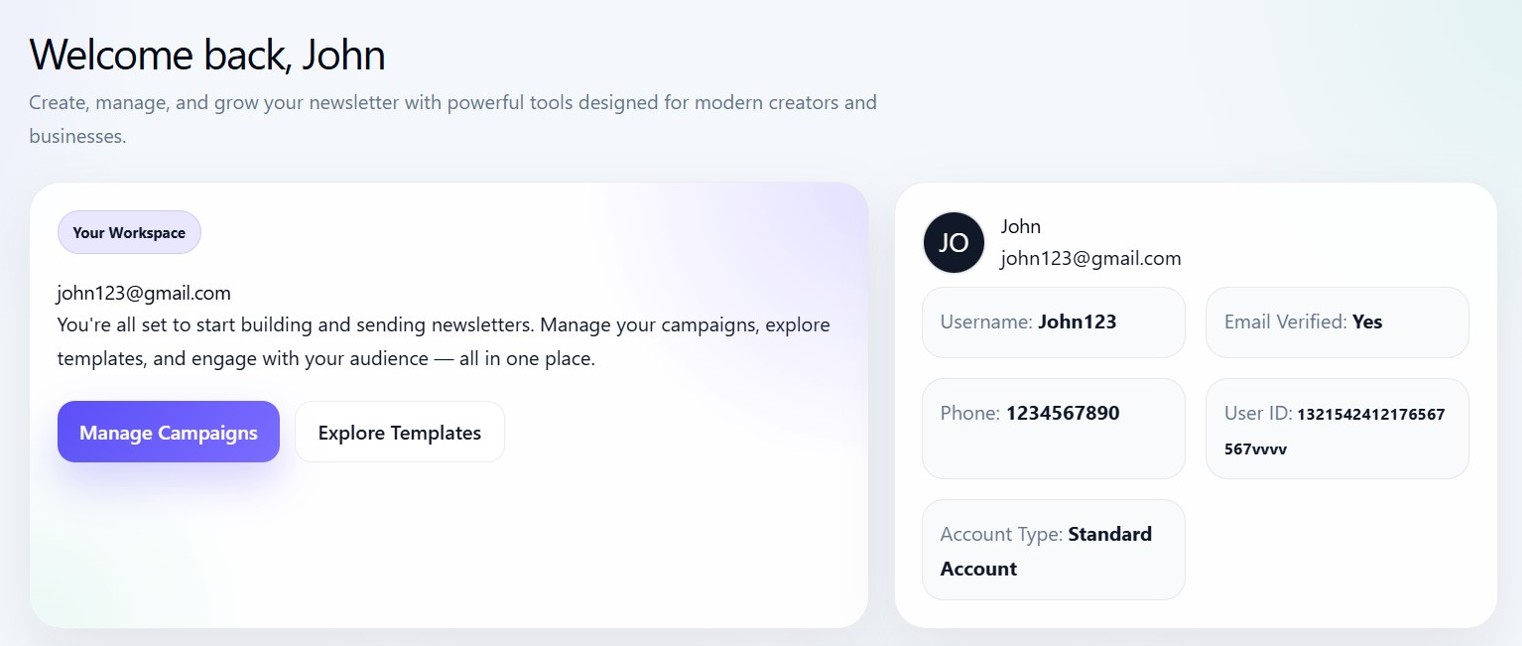
The hero section introduces the workspace and provides quick action buttons.
Users can quickly:
- Open Campaigns
- Explore Templates
Workspace profile card
The profile section displays:
- User avatar
- Full name
- Username
- Phone number
- User ID
- Email verification status
Statistics cards

The Overview page loads live newsletter statistics from the connected newsletter account.
Displayed statistics include:
| Metric | Description |
|---|---|
| Campaigns | Total created campaigns |
| Subscribers | Total audience count |
| Templates | Available newsletter templates |
| Status | Newsletter account status |
Account loading
The dashboard loads newsletter overview statistics using the connected newsletter account ID.
If the account is loading, skeleton loaders are shown temporarily until the API response is completed.