Campaigns Overview
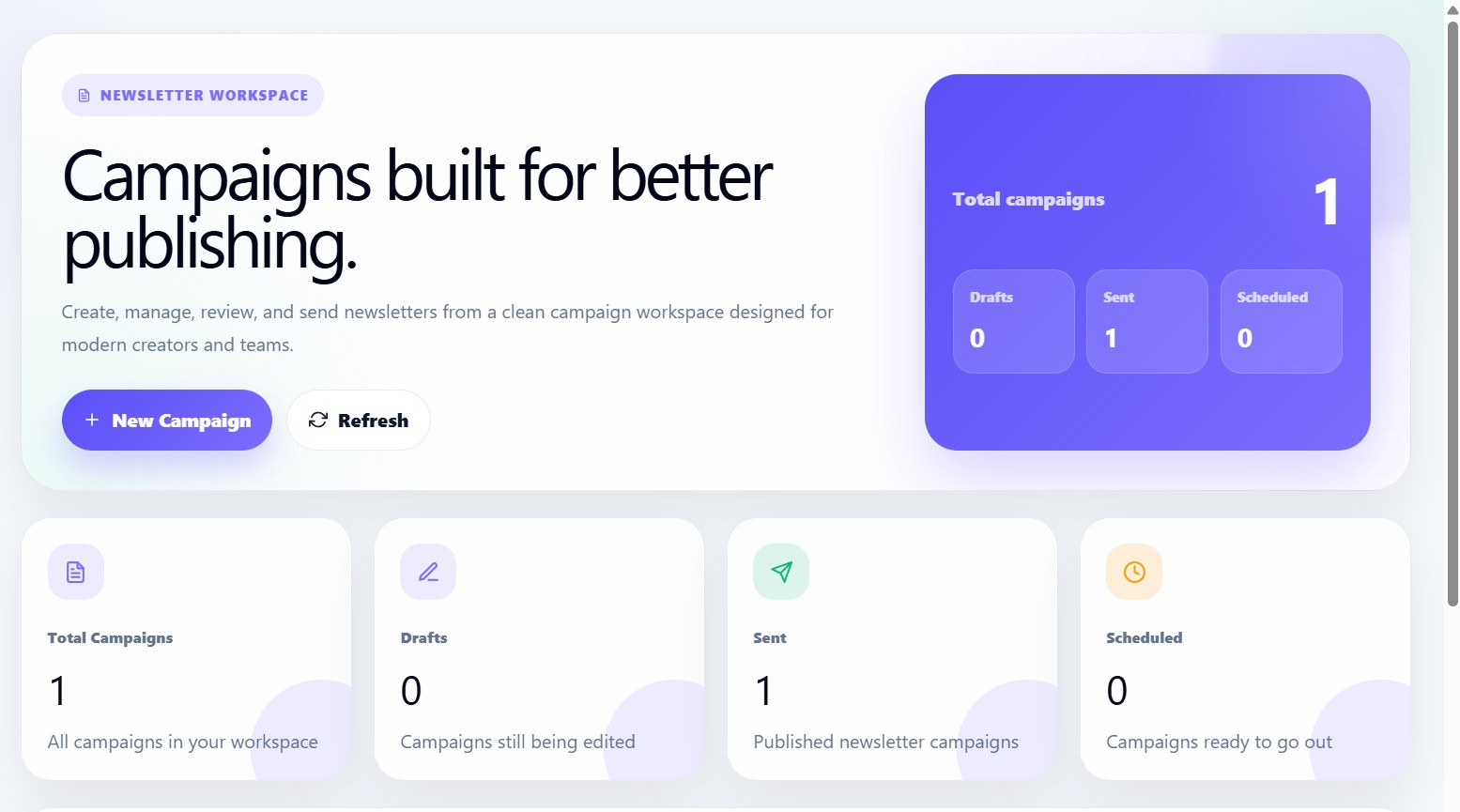
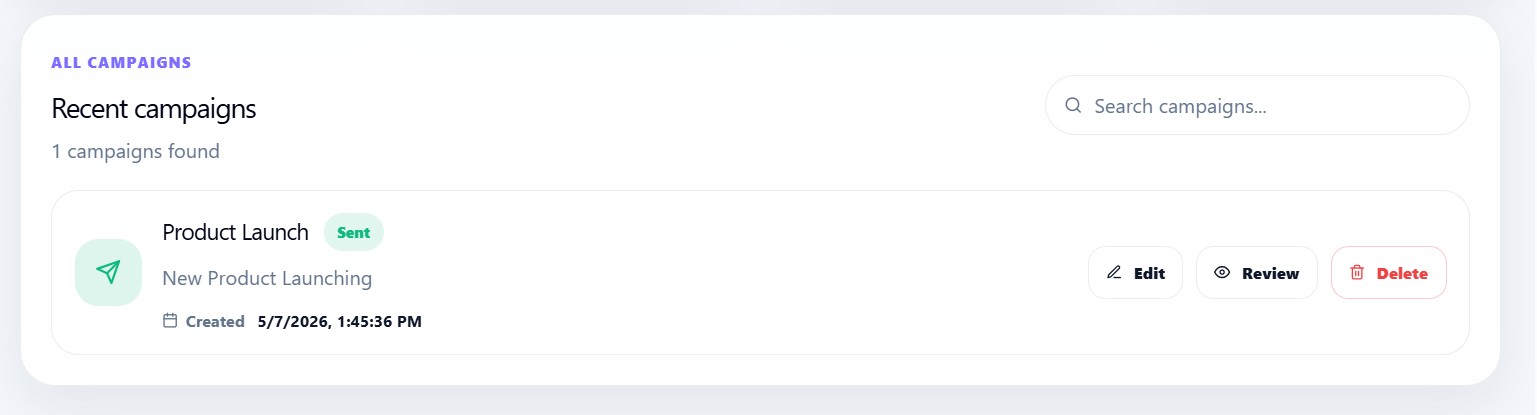
The Campaigns section is the main publishing workspace inside Newsletter Studio.
Users can:
- Create campaigns
- Edit newsletter drafts
- Review campaigns
- Send newsletters
- Schedule campaigns
- Delete campaigns
- Search campaigns
- Track publishing status
The page is designed as a clean publishing dashboard for creators, teams, and newsletter businesses.
Campaign workflow
Create Campaign
→ Choose start method
→ Configure audience
→ Open editor
→ Design newsletter
→ Review campaign
→ Send or schedule
Campaign hero section
The top hero section introduces the publishing workspace.
Users can:
- Create new campaigns
- Refresh campaign data
- View total campaign statistics
Campaign statistics
The statistics cards display:
| Metric | Description |
|---|---|
| Total Campaigns | All campaigns in workspace |
| Drafts | Campaigns still being edited |
| Sent | Published campaigns |
| Scheduled | Campaigns waiting to send |
Search campaigns
Users can search campaigns using:
- Campaign title
- Subject line
- Status
The list updates instantly while typing.
Campaign statuses
| Status | Meaning |
|---|---|
| draft | Still being edited |
| scheduled | Scheduled for future delivery |
| sent | Successfully delivered |
Campaign cards
Each campaign row displays:
- Campaign title
- Subject line
- Status badge
- Created date
- Edit button
- Review button
- Delete button
Empty state
If no campaigns exist yet, users see:
No campaigns yet
The dashboard encourages users to create their first campaign.
Loading state
While loading campaign data, the dashboard shows:
Loading campaigns...