Campaign Review & Send
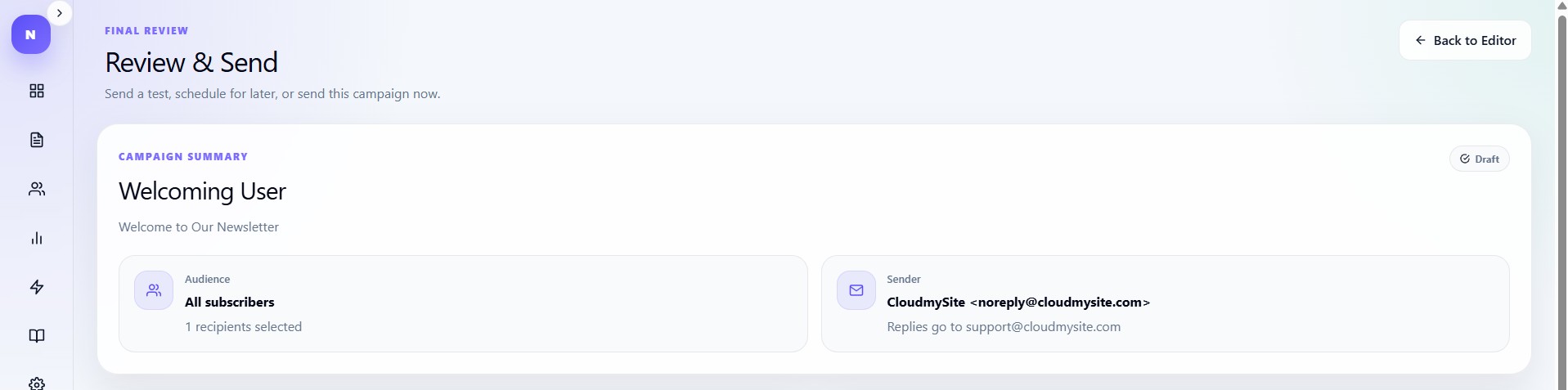
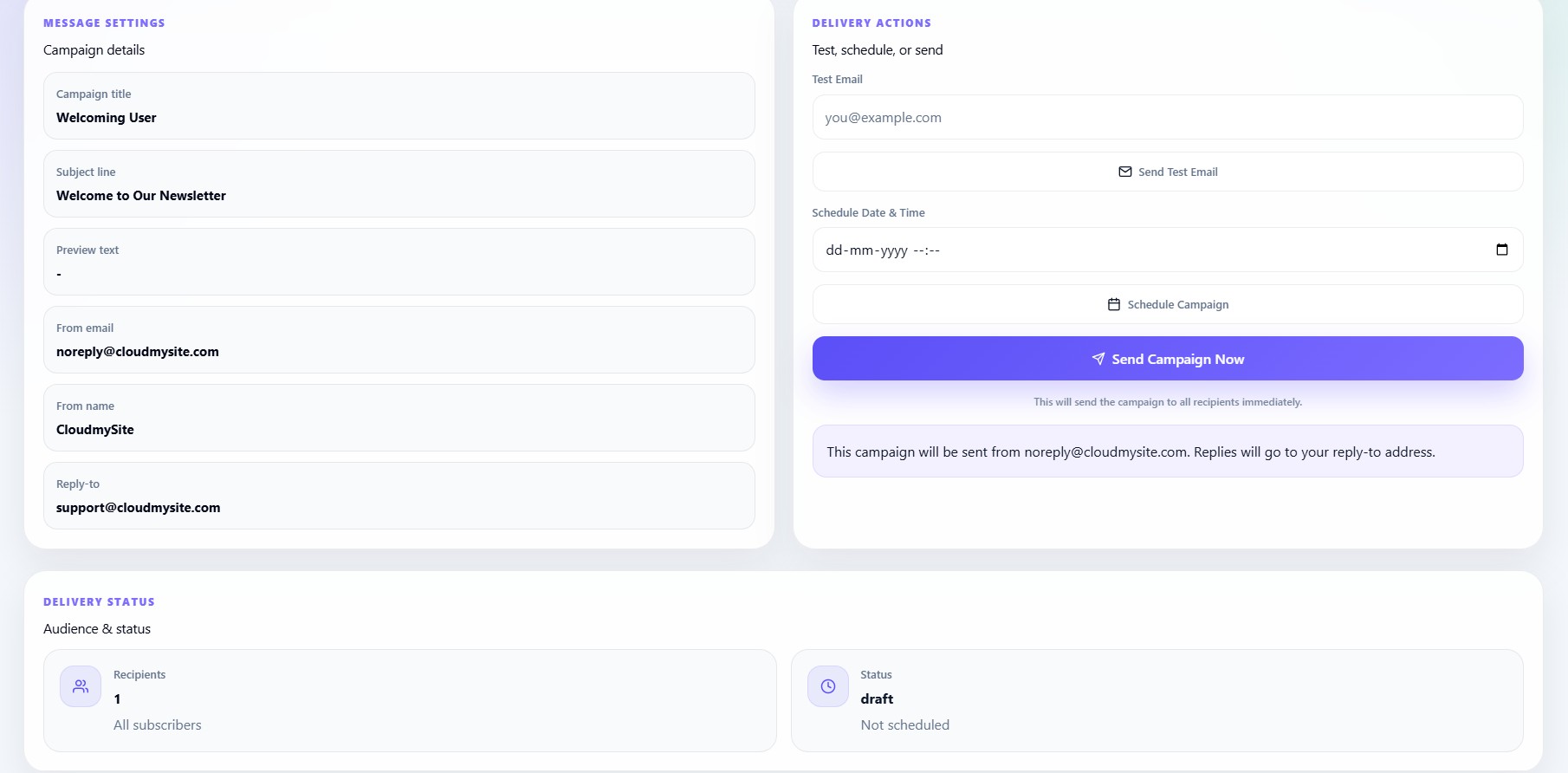
The Review & Send page is the final step before publishing a campaign.
Users can:
- Review campaign settings
- Send test emails
- Schedule delivery
- Send immediately
Campaign summary
The review section displays:
- Campaign title
- Subject line
- Sender details
- Audience information
- Campaign status
Delivery actions
The right panel contains:
- Test email tools
- Schedule tools
- Send now button
Send test email
Users can send preview emails before publishing.
The test email form requires:
The system validates and sends a preview version of the campaign.
Schedule campaign
Campaigns can be scheduled using:
Date + Time
Validation rules:
- Must be valid datetime
- Must be future date
- Cannot schedule past times
Send campaign now
Users can immediately send campaigns to all recipients.
Before sending, the system validates:
- Subject line exists
- From name exists
- Reply-to email exists
- Audience count exists
Confirmation dialogs
Before publishing, users must confirm:
Send this campaign to all recipients?
This prevents accidental sending.
Scheduled status
When scheduled successfully, campaign status changes to:
scheduled
Sent status
When delivered immediately, campaign status changes to:
sent