Editor Blocks & Layouts
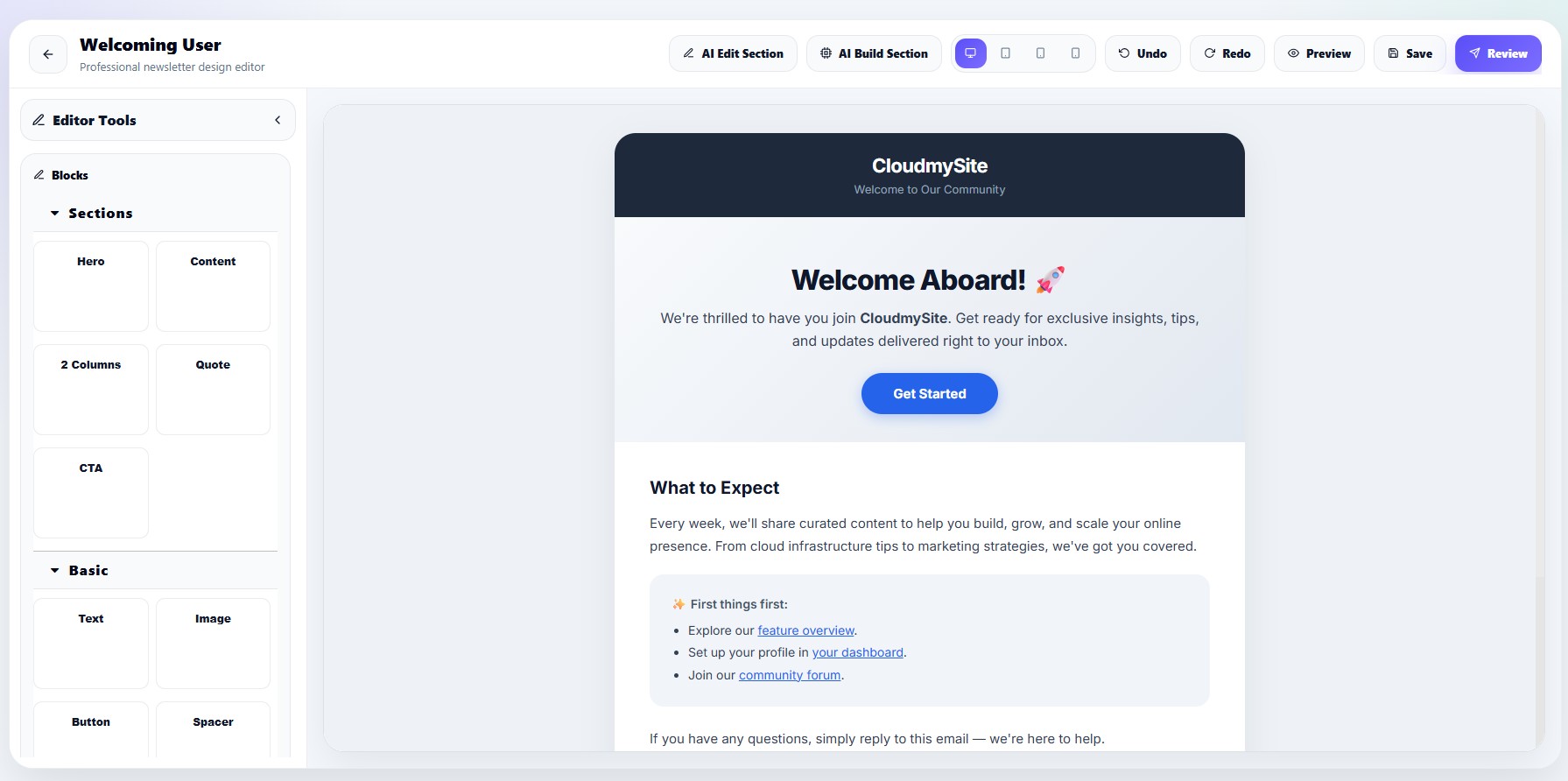
The editor includes reusable drag-and-drop blocks.
Available blocks
| Block | Description |
|---|---|
| Hero | Large top section |
| Content | Standard content section |
| 2 Columns | Two-column layout |
| Quote | Testimonial or quote |
| CTA | Call-to-action section |
| Text | Simple text area |
| Image | Newsletter image block |
| Button | CTA button |
| Spacer | Empty spacing |
| Divider | Section divider |
| Footer | Newsletter footer |
| Unsubscribe | Email unsubscribe link |
Hero section
Hero blocks include:
- Headline
- Description
- CTA button
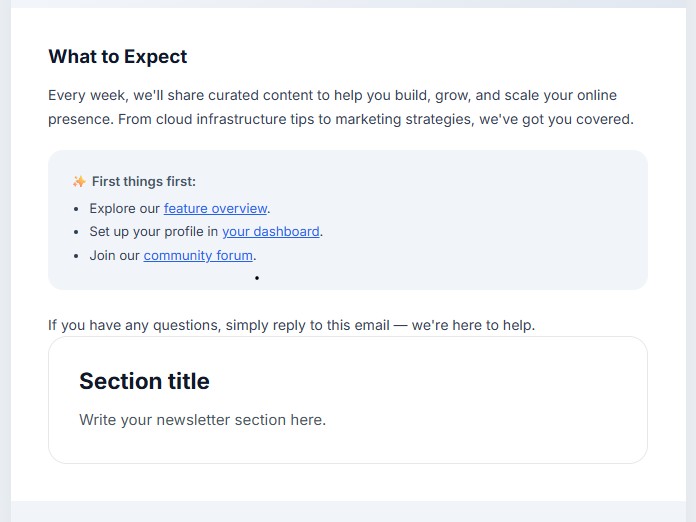
Content Section
Two-column layouts
The editor supports responsive two-column newsletter sections.
CTA sections
CTA blocks help users:
- Promote products
- Link external pages
- Increase clicks
- Add buttons
Footer blocks
Footer blocks include unsubscribe links and compliance information.
Unsubscribe links
The unsubscribe block automatically uses:
{{unsubscribe_url}}