Audience Management

The Audience Management system helps users maintain, grow, and organize newsletter subscribers.
Adding subscribers manually
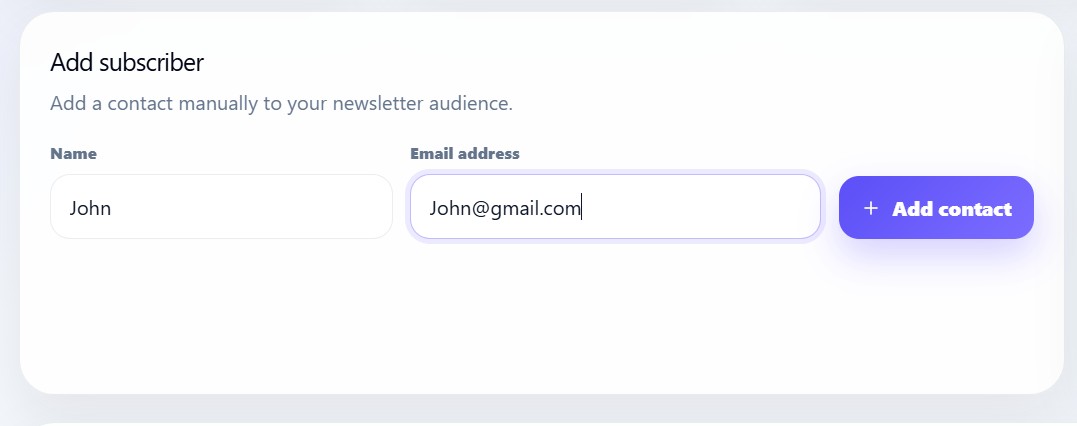
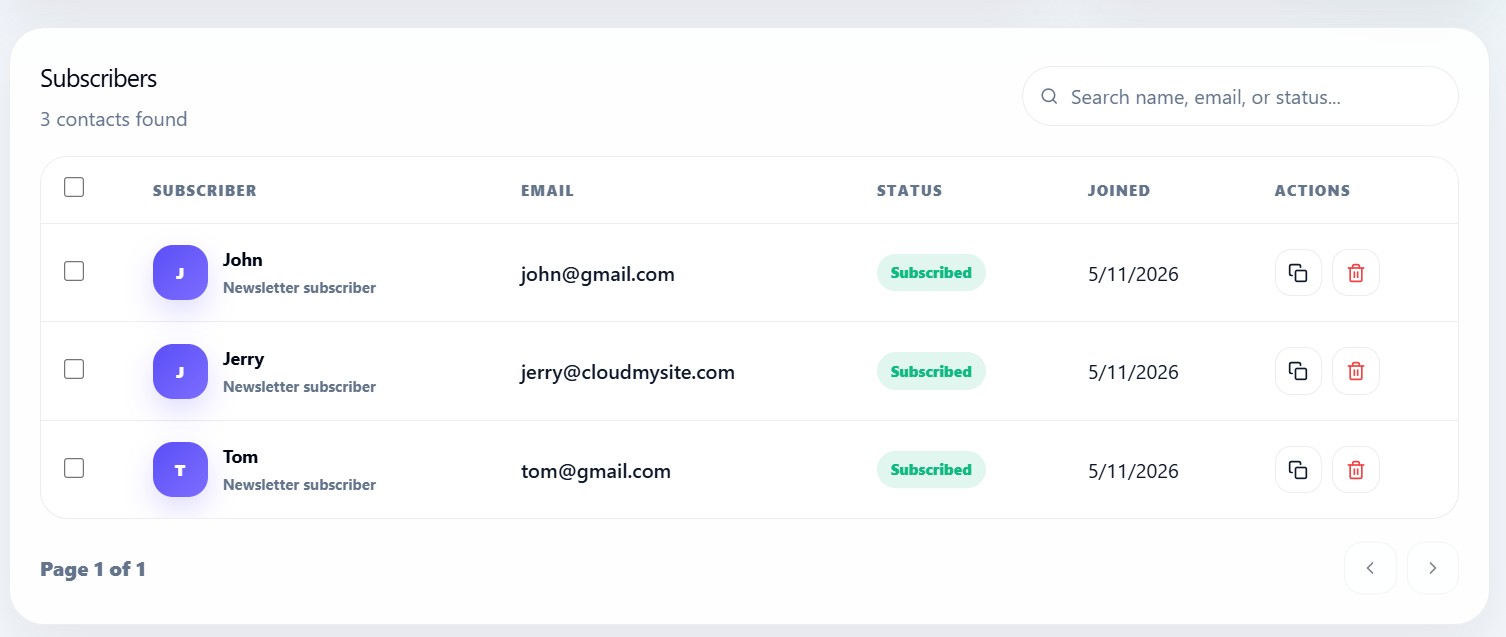
Users can manually add contacts by entering:
- Subscriber name
- Email address
After submission, the contact is immediately added to the connected newsletter account.
CSV import system
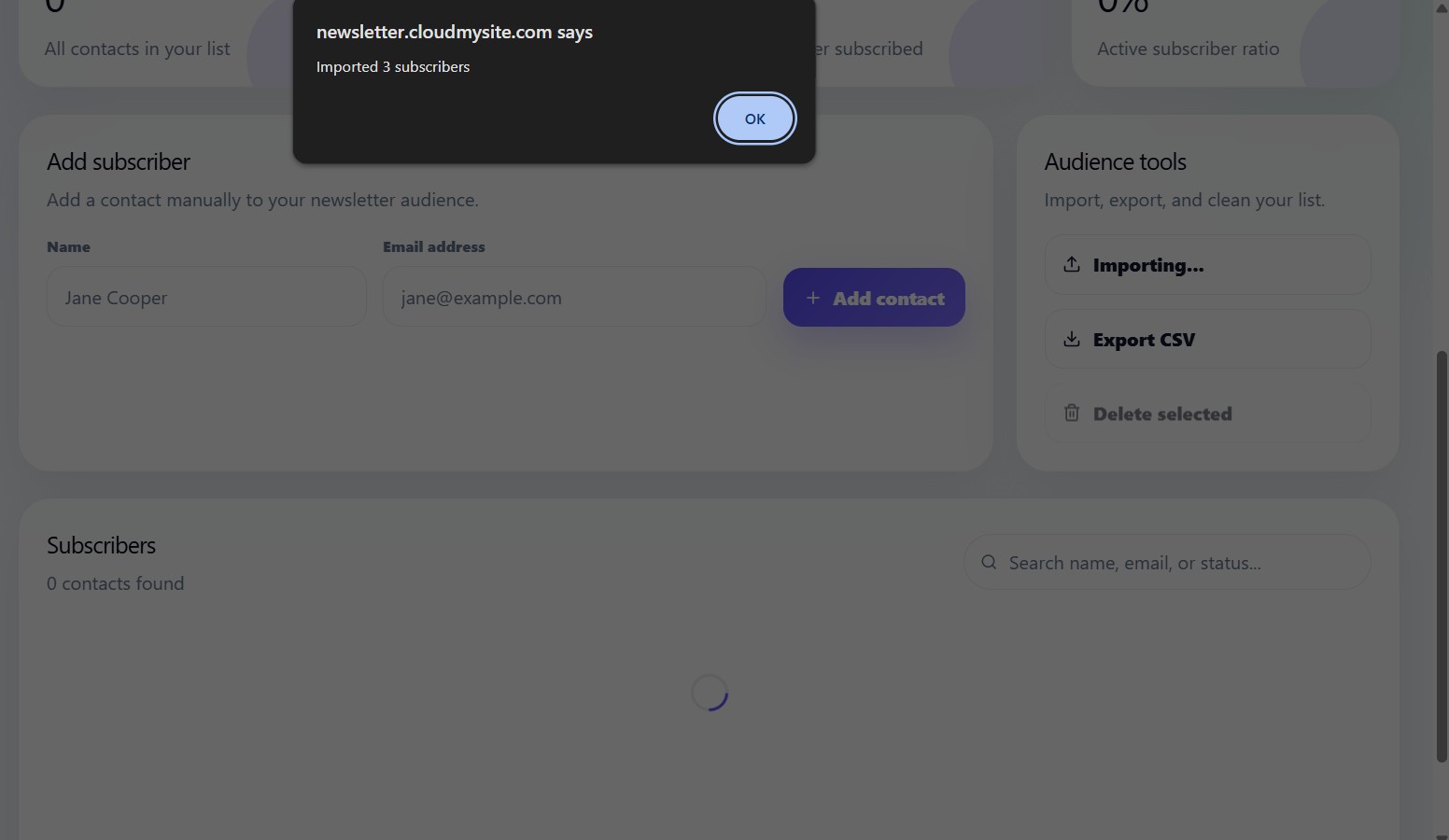
The audience tools support CSV imports for migrating subscribers from another platform.
Supported CSV structure:
Name,Email
John Doe,[email protected]
Jane Doe,[email protected]
CSV import workflow
The import system:
- Reads uploaded CSV data
- Removes invalid rows
- Detects email fields
- Creates subscribers automatically
- Refreshes the audience list
CSV export
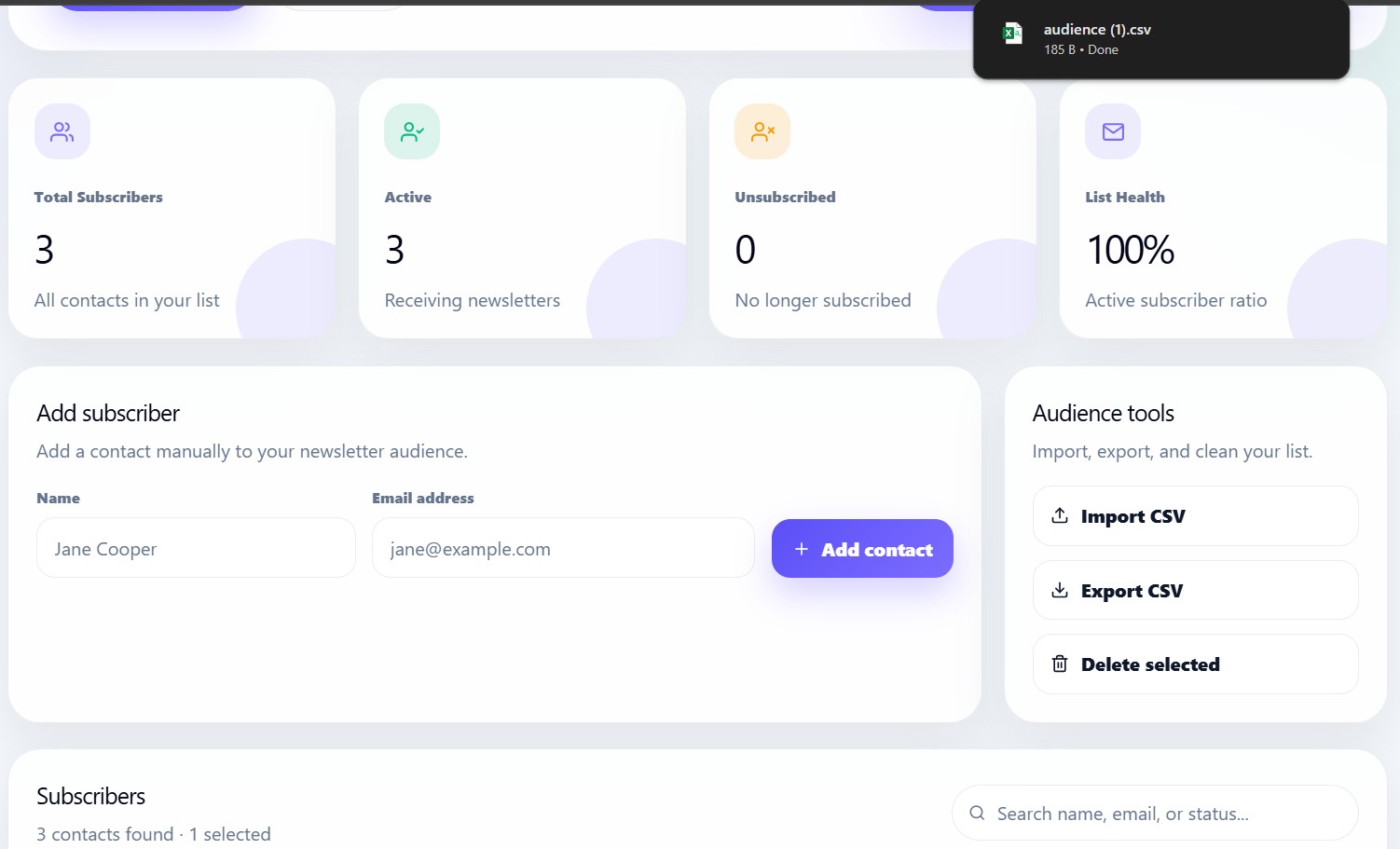
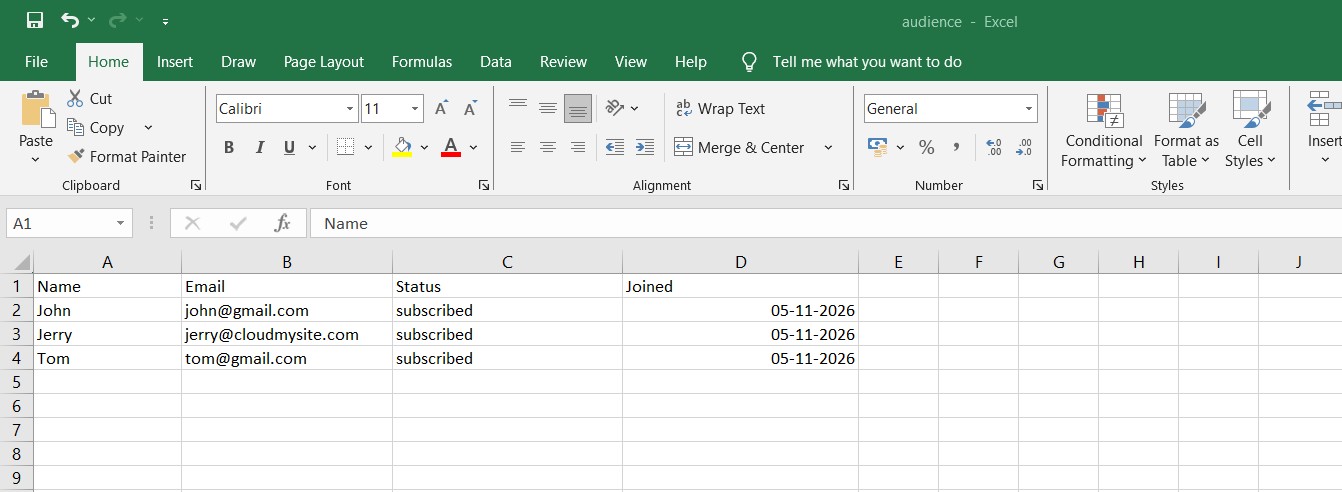
Users can export the full subscriber list into CSV format.
Exported fields include:
- Name
- Status
- Join date
Bulk selection tools
The subscriber table supports bulk selection.
Users can:
- Select all subscribers on a page
- Delete multiple subscribers
- Manage large lists efficiently
Audience health
Audience health is calculated using:
Active Subscribers ÷ Total Subscribers
The percentage helps users understand newsletter engagement quality.
Subscriber statuses
Newsletter subscribers can have statuses like:
| Status | Meaning |
|---|---|
| subscribed | Active newsletter contact |
| unsubscribed | Contact opted out |
Subscriber search
Users can search by:
- Name
- Status
Search updates the subscriber table instantly.
Responsive audience dashboard
The audience management interface is optimized for:
- Desktop
- Tablet
- Mobile dashboard usage