What is CloudMySite Newsletter?
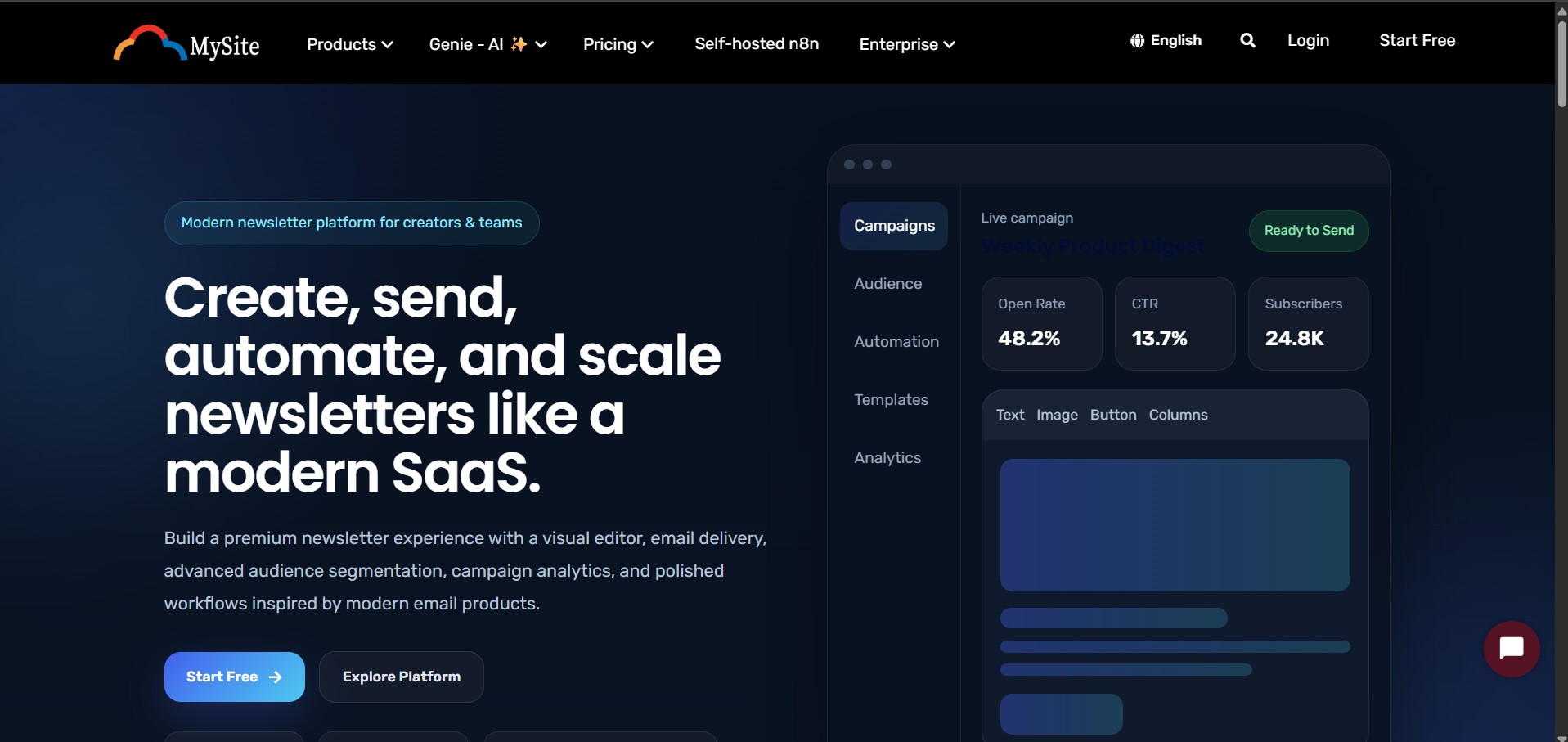
CloudMySite Newsletter is a publishing and email marketing workspace where creators, businesses, and teams can create newsletters, manage subscribers, send campaigns, view analytics, use templates, and build automations from one dashboard.
The newsletter setup starts from the CloudMySite newsletter landing page. A user first selects a newsletter plan, completes account login or signup, activates the free plan or completes payment, and is then redirected to the dedicated newsletter dashboard at:
https://newsletter.cloudmysite.com
Newsletter setup flow
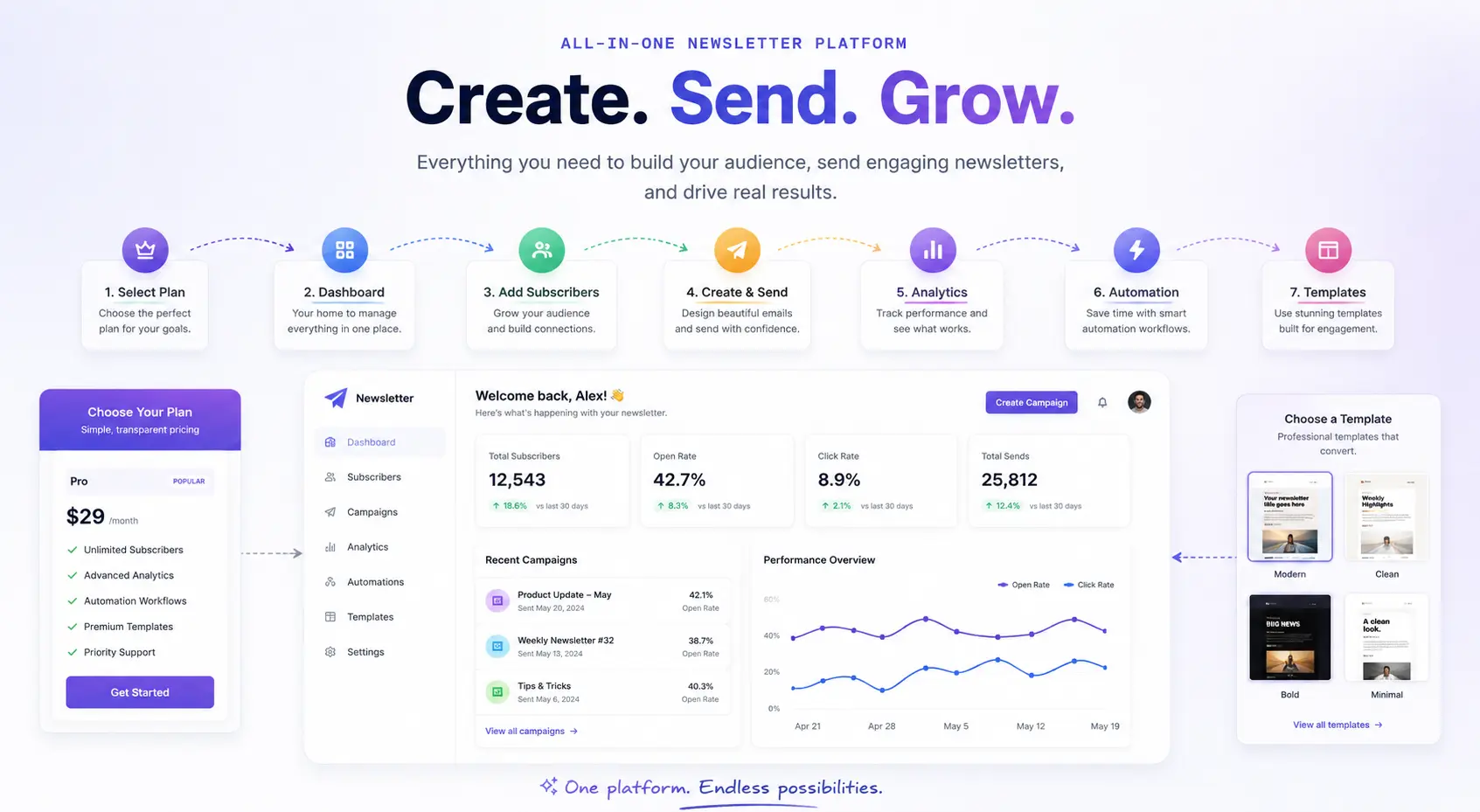
The normal user flow is:
- User opens the newsletter landing page.
- User reviews available newsletter plans.
- User clicks Choose Plan.
- The selected plan is saved for checkout.
- User signs in or creates an account.
- User activates the Free plan or pays for a paid plan.
- After successful activation/payment, the user is redirected to the Newsletter dashboard.
- The dashboard loads the user workspace and shows the newsletter tools.
Available newsletter plans
CloudMySite Newsletter currently supports these plans:
| Plan | Starting price | Best for |
|---|---|---|
| Free | $0 | Creators starting with email publishing |
| Starter | $29/month | Growing newsletters and small teams |
| Pro | $79/month | Serious creators, publishers, and businesses |
| Scale | $199/month | High-volume brands and large publishing teams |
What users can do after setup
After the newsletter workspace is ready, users can:
- Create and manage campaigns
- Add and organize subscribers
- Send newsletter campaigns
- Check campaign and audience analytics
- Create automation workflows
- Use ready-made newsletter templates
- Manage account and newsletter settings
Main dashboard sections
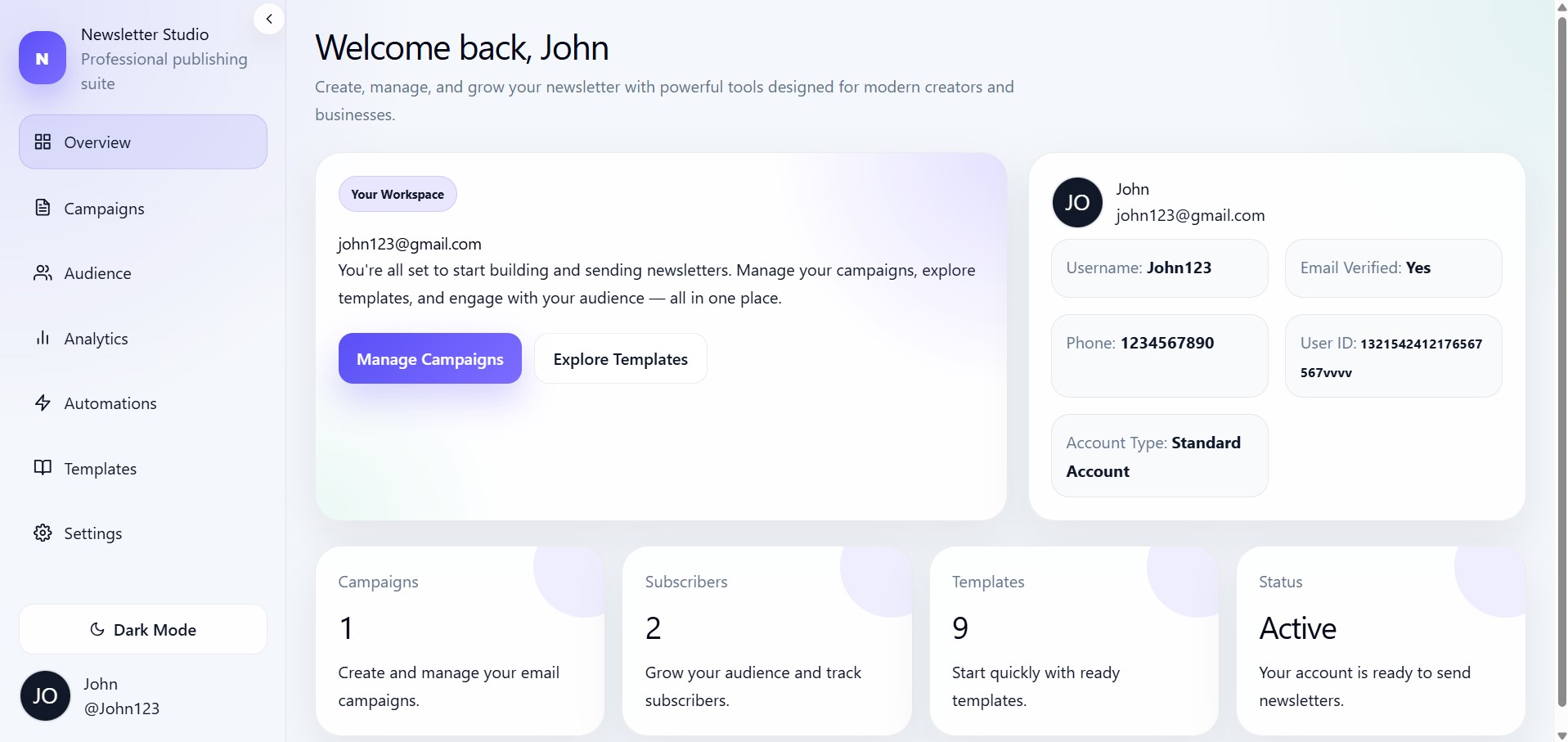
The Newsletter dashboard contains the following main menus:
- Overview — View workspace summary and quick actions.
- Campaigns — Create, edit, review, and manage email campaigns.
- Audience — Manage subscribers and audience data.
- Analytics — Track performance and engagement.
- Automations — Build automated newsletter journeys.
- Templates — Start campaigns from prebuilt templates.
- Settings — Manage profile, workspace, and newsletter settings.