How to Create a Website: From Idea to Live Site in Minutes
Creating a website with CloudMySite AI Builder is a fast and simple process. Just describe your idea, and the AI will handle the design, structure, and content for you. Follow the steps below to turn your idea into a live website within minutes.
Step 1: Visit the AI Builder
Go to: https://cloudmysite.ai/builder
Describe your website idea in the input box and press Enter to generate your website.
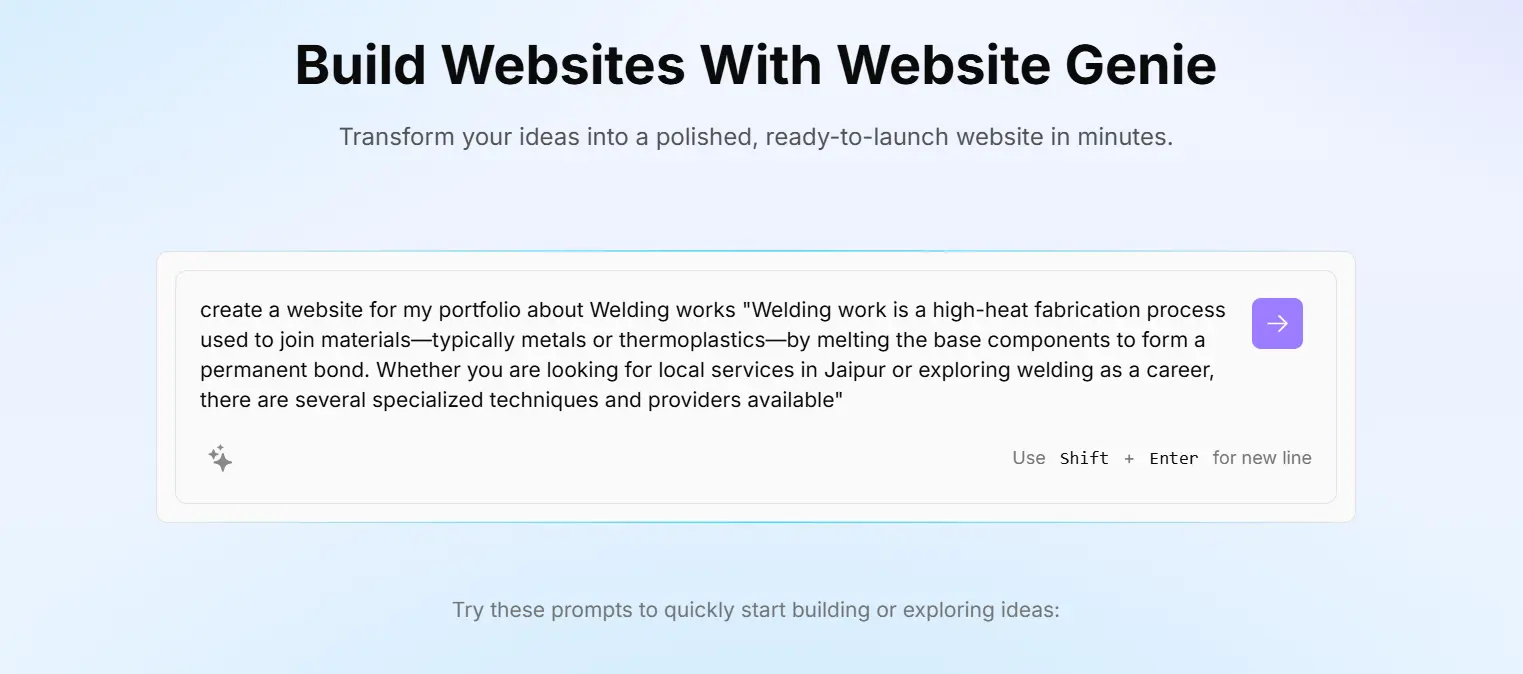
💡 Example:
“Create a modern website for a restaurant”
“Build an e-commerce website for clothing”
Step 2: Describe Your Website Idea
Enter your requirements clearly so the AI can understand your needs and generate a suitable design.
Step 3: Create Your Account
After generating your website preview, create your account to save and manage your website.
Step 4: Website Generation in Progress
Once logged in, your website will automatically start building.
This process includes:
- Designing layout
- Creating pages
- Adding content
- Generating images
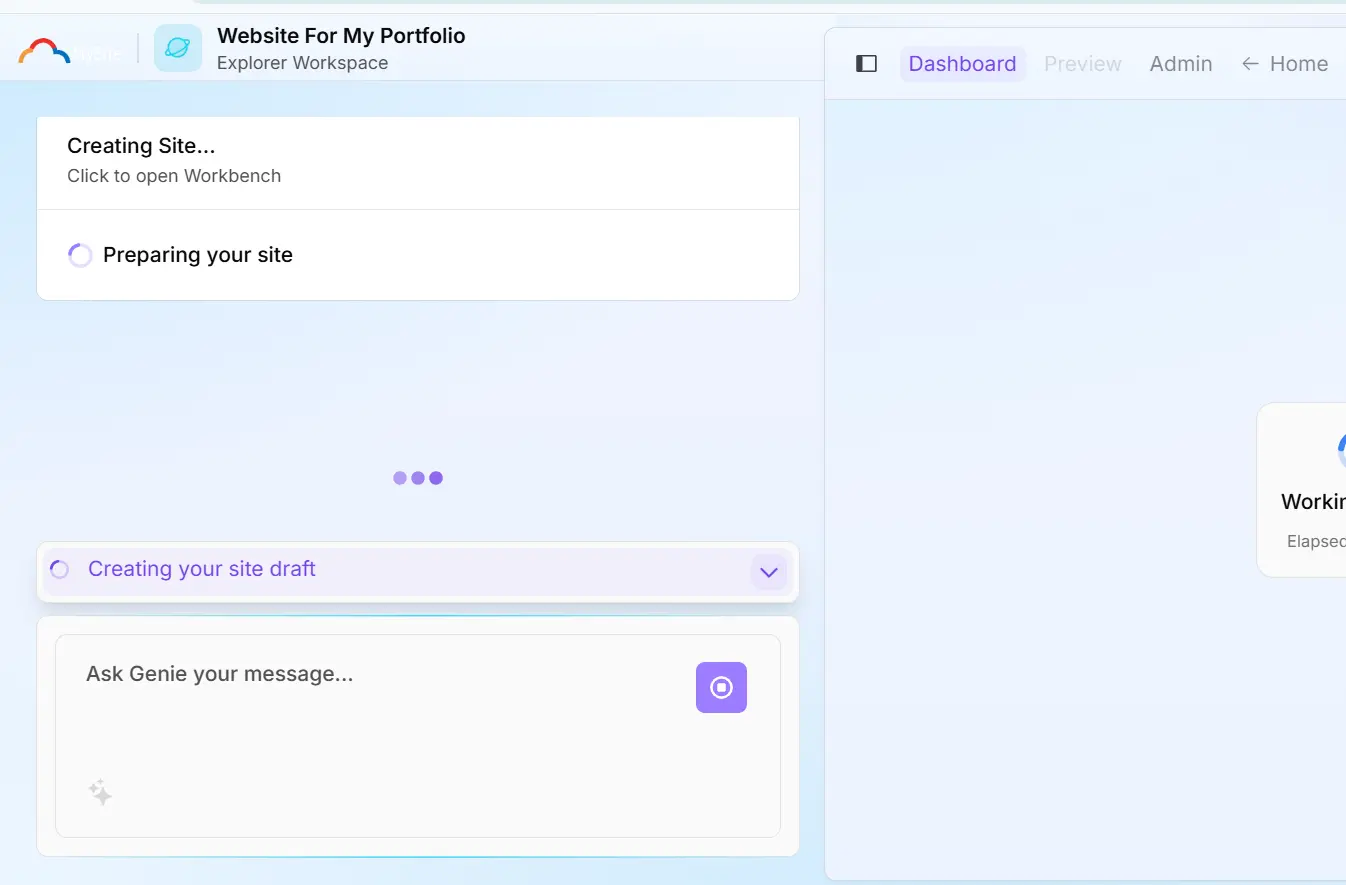
⏳ Please wait a few seconds while your website is being created.
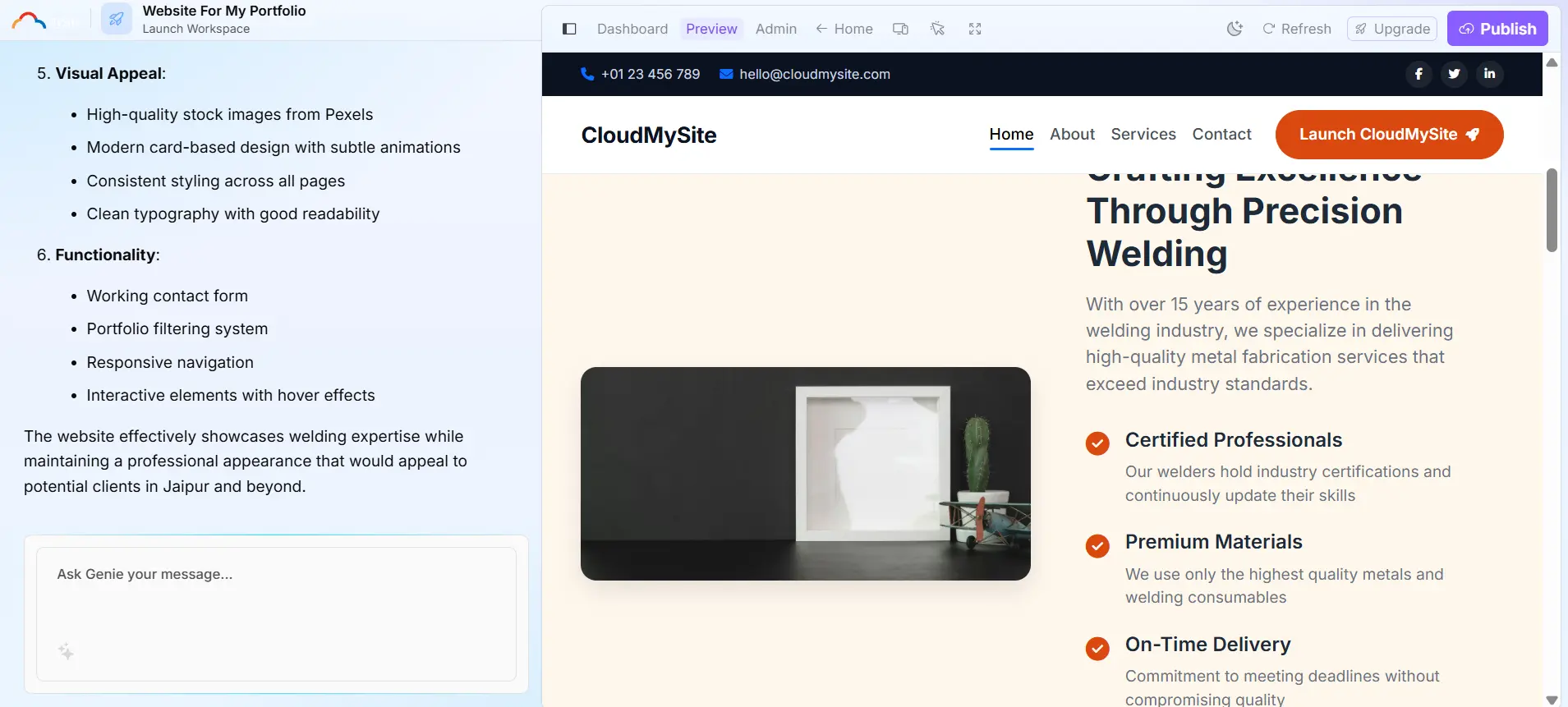
Step 5: Launch Your Website
After your website is ready, click on the “Launch Website” button as shown below.
Step 6: Fix Issues (If Any)
If you face any issues, use the Rescan Website option.
This feature will automatically detect and fix any problems on your website.
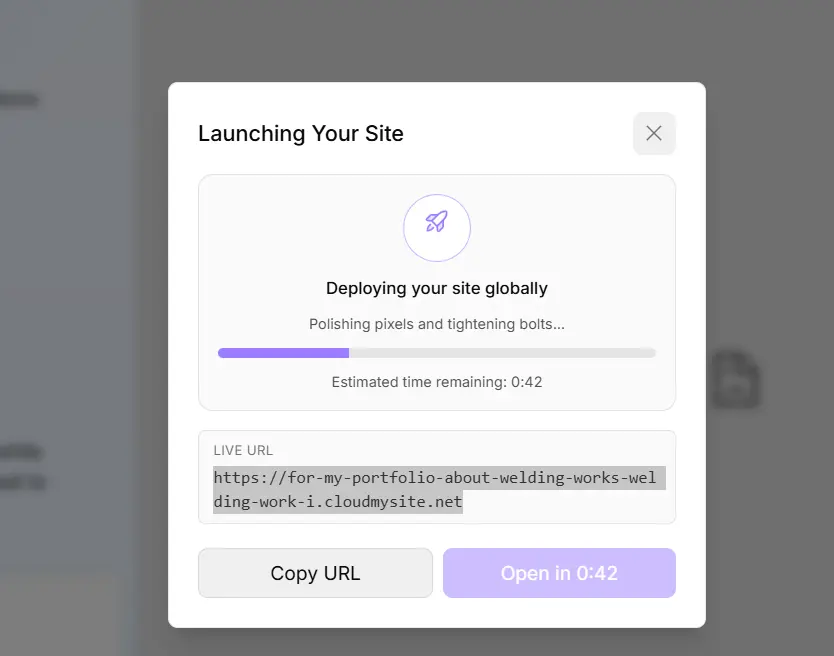
🎉 Your Website is Live!
Congratulations! Your website is now ready and live.
You can now:
- Edit your content
- Customize design
- Add products or services
- Share your website with your audience
💡 Pro Tip: Always review your website before launching to ensure everything looks perfect and works smoothly.