Form Settings — Redirect URL
A Redirect URL sends the visitor to another page after they submit the form.
This is useful when you want to send visitors to a thank-you page, confirmation page, booking page, or next-step page.
A redirect can make the submission flow feel more complete and professional for the visitor.
Open Redirect URL Setting
- Open Forms.
- Choose your plan.
- Click 🛠️ Form Settings.
- Locate the Redirect URL field.
Common Uses
You can use a redirect URL for pages such as:
- thank-you page
- booking confirmation page
- next-step instructions page
- download page
Before Adding Redirect URL
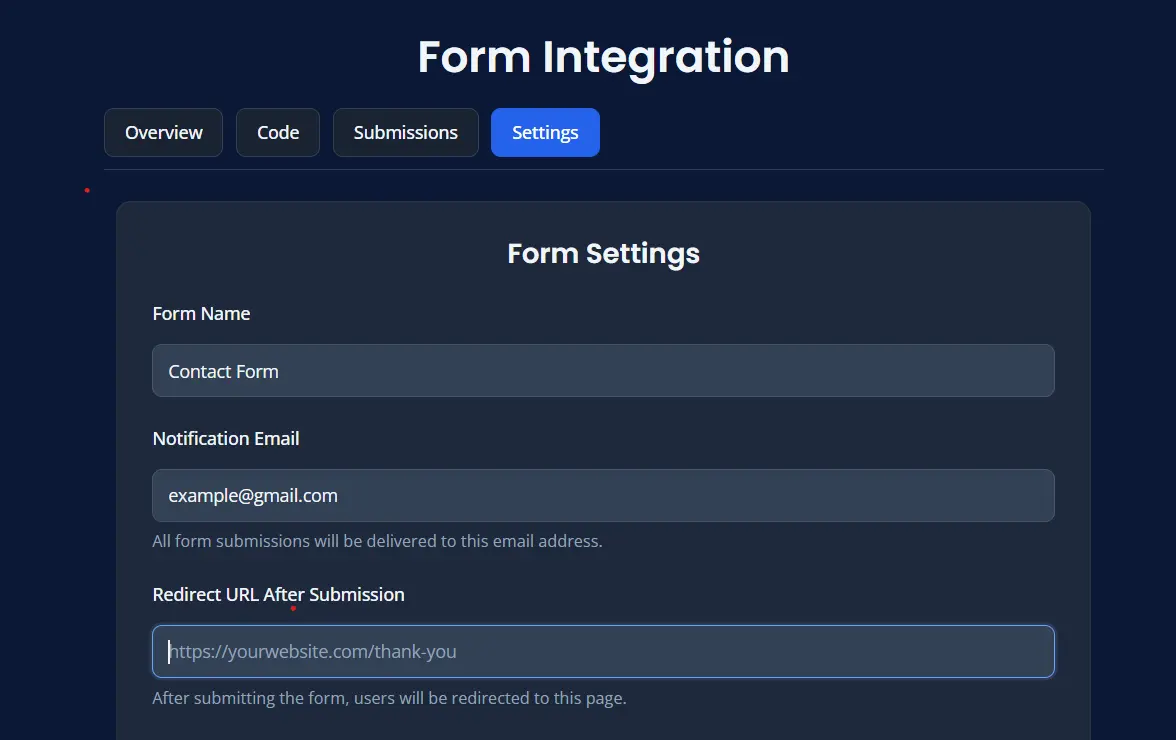
After Adding Redirect URL
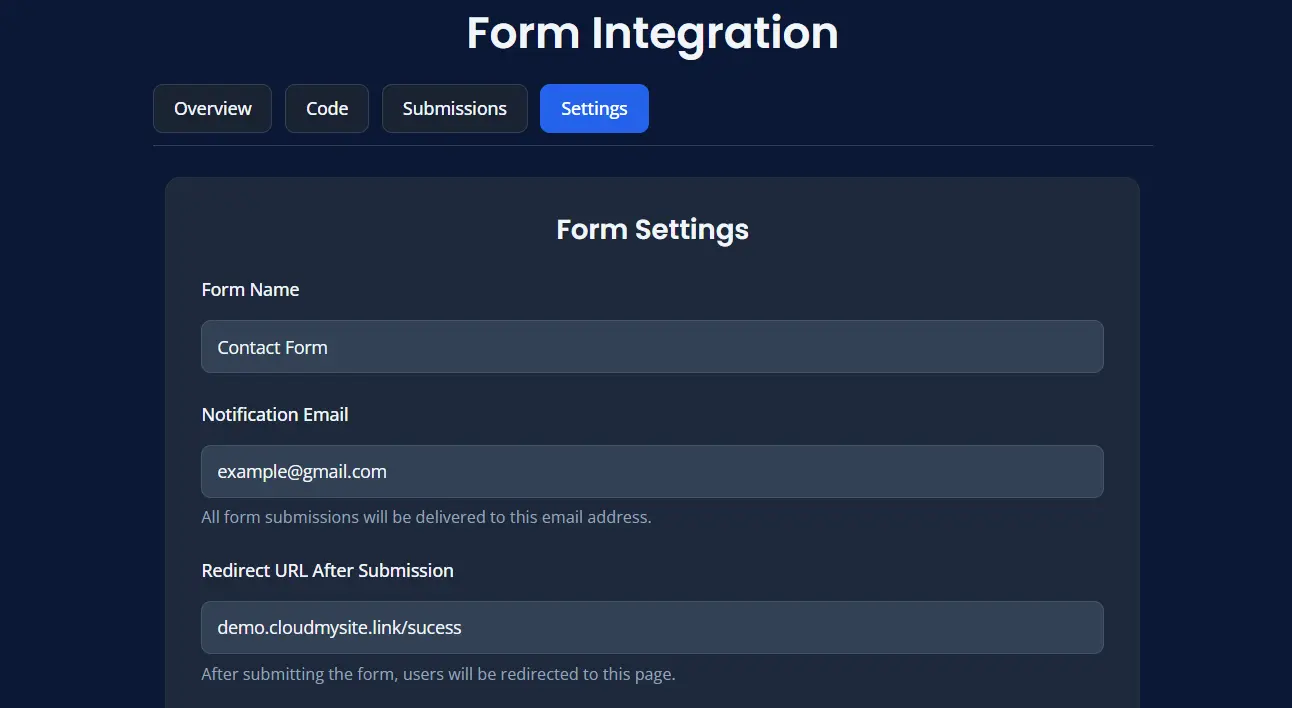
Best Practices
- use the full correct URL
- make sure the destination page is published
- test the redirect after saving
- use a thank-you page for a better visitor experience
Save Changes
After updating the redirect URL:
- Click Save Settings.
- Submit a test entry.
- Confirm the user is redirected correctly.