Form Settings — Form Name
The Form Name helps you identify the form inside your dashboard.
Use a clear name so you can quickly recognize what the form is for, such as contact, support, quote request, or newsletter signup.
You can update the form name later if your page or purpose changes.
Open Form Name Setting
- Open Forms.
- Choose your plan.
- Click 🛠️ Form Settings.
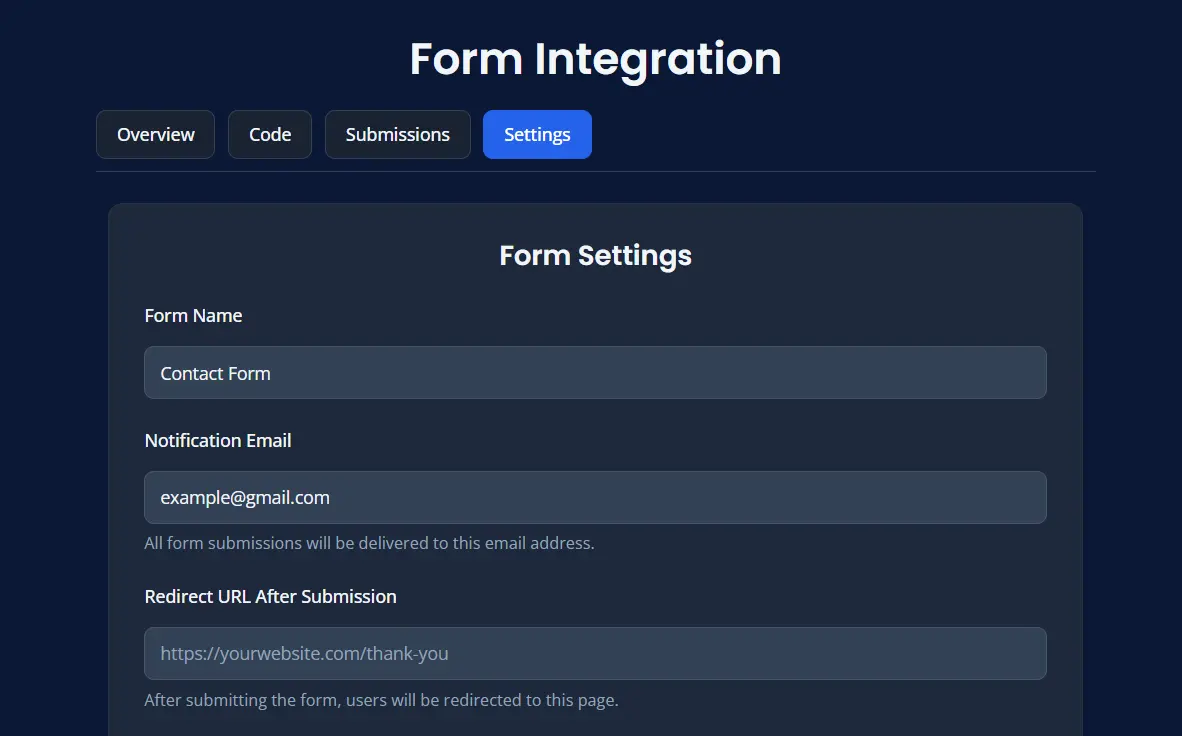
- Locate the Form Name field.
Why Form Name Matters
A good form name makes it easier to manage forms when you have multiple forms in your dashboard.
For example, you can use names such as:
- Contact Us
- Support Request
- Newsletter Signup
- Quote Request
Before Changing Form Name
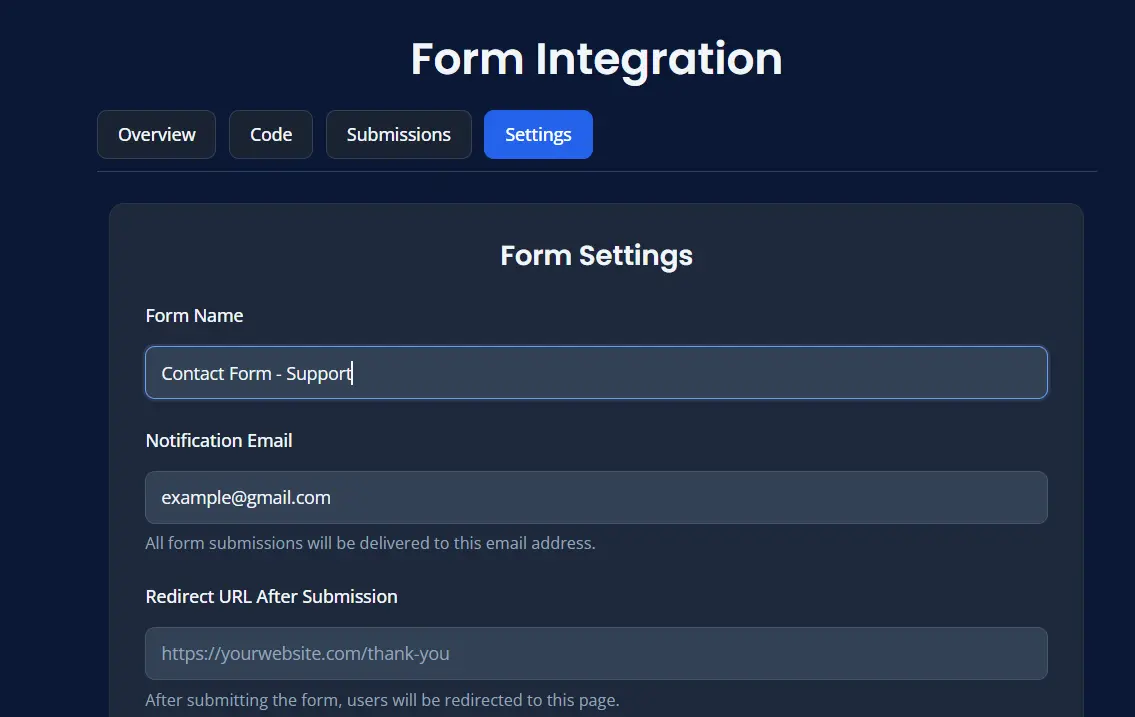
After Changing Form Name
Best Practices
- use a short and clear name
- match the form name to the page purpose
- rename old forms if their purpose changes
Save Changes
After updating the form name:
- Click Save Settings.
- Confirm the new name appears correctly in your dashboard.