Dashboard
As you login, you'll see a dashboard with your BYOW plans and websites.
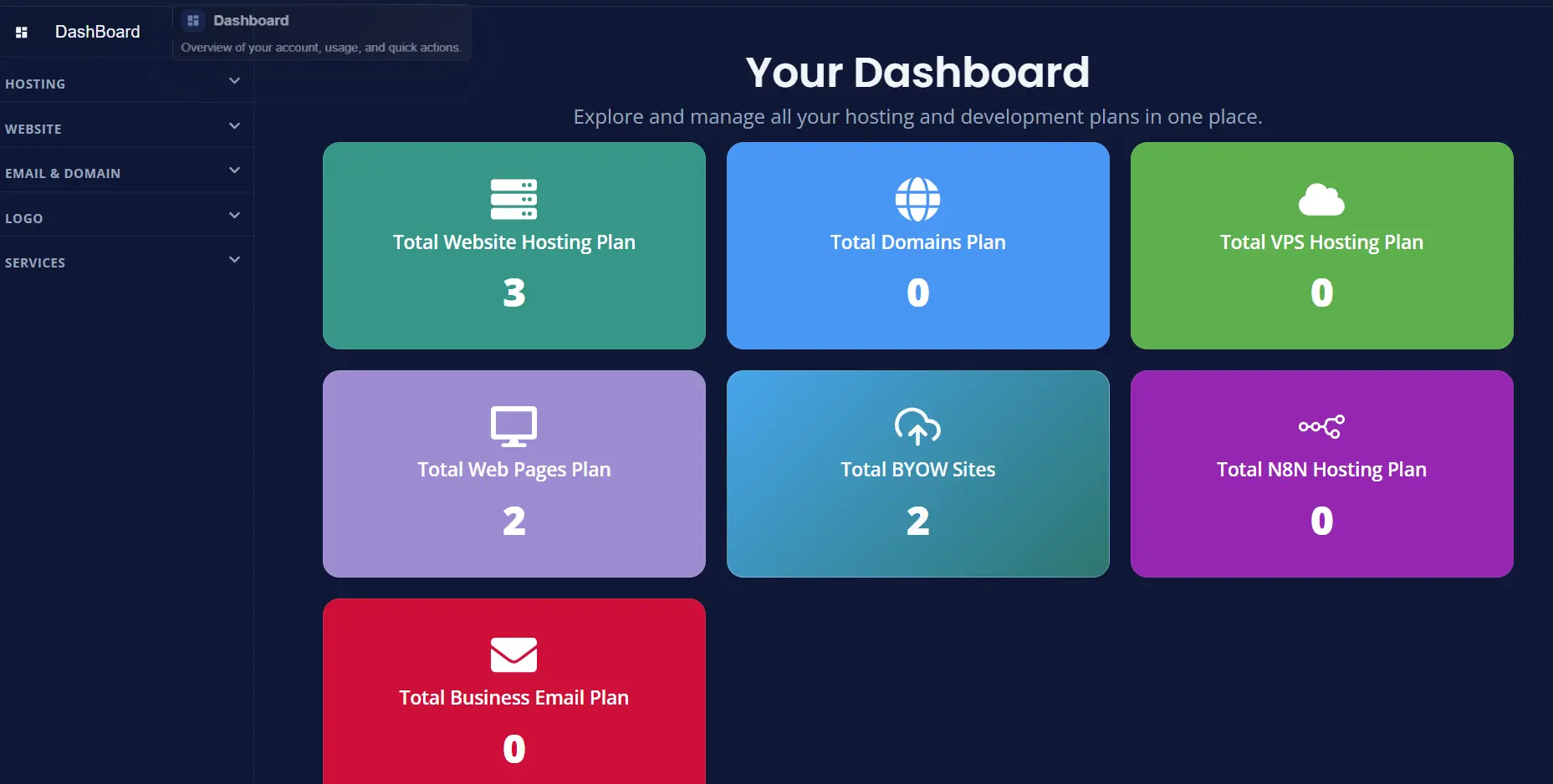
Dashboard Actions
Click on BYOW card to see actions and you'll see card layout such as:
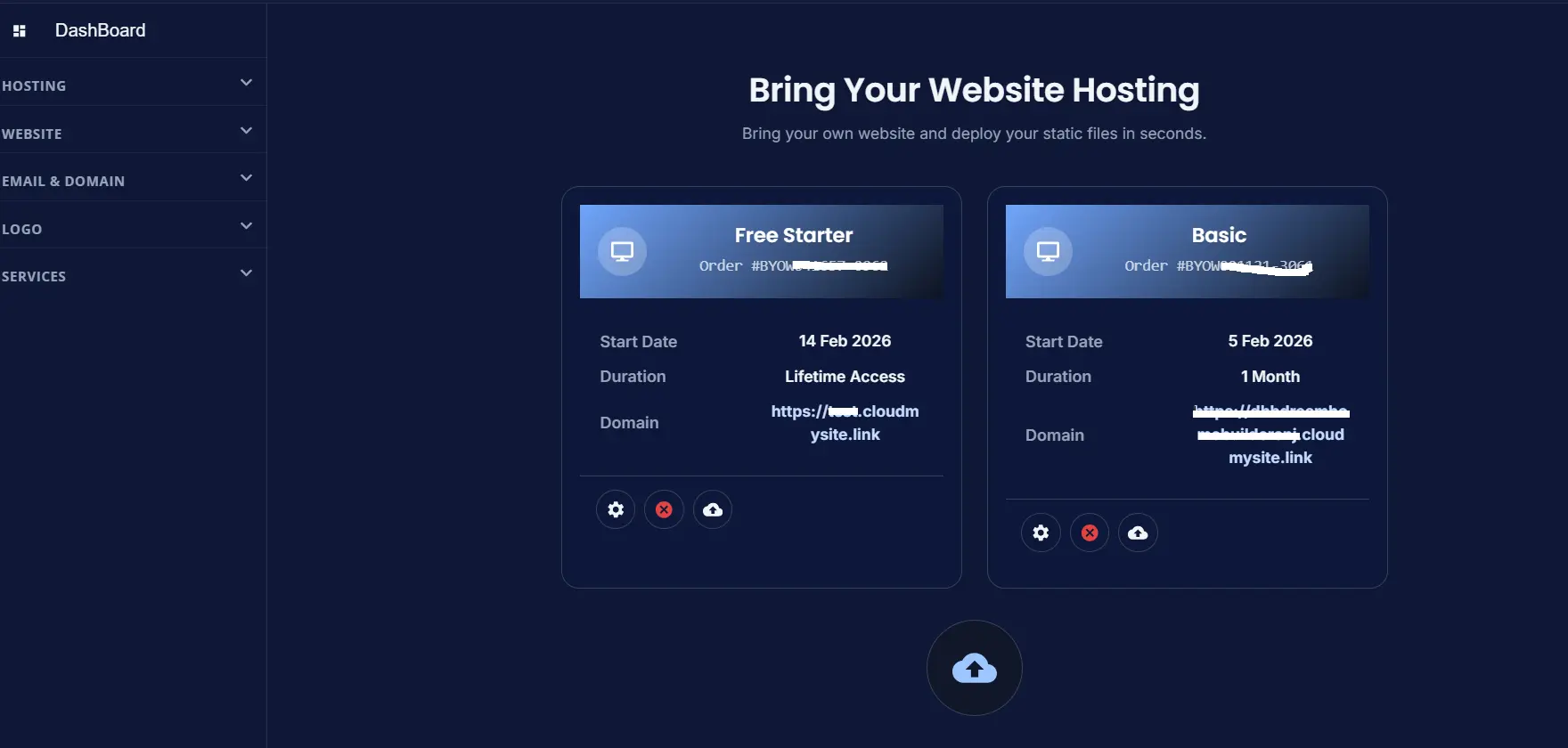
Upload and Manage Sites
Plan Card Actions
On each BYOW card:
- Manage Website (settings icon): opens existing websites list
- Cancel Subscription (cancel icon): opens cancellation request form
- Upload Website (upload icon): starts new website upload flow
Existing Websites Table Actions
Inside the existing websites section:
- Manage Website: opens edit flow for selected site.
- Configure Website: opens configuration flow
- View Analytics: opens analytics for valid connected domain

Edit Existing Website
Clicking Edit Website will open a UI to edit the selected site as shown in below image:
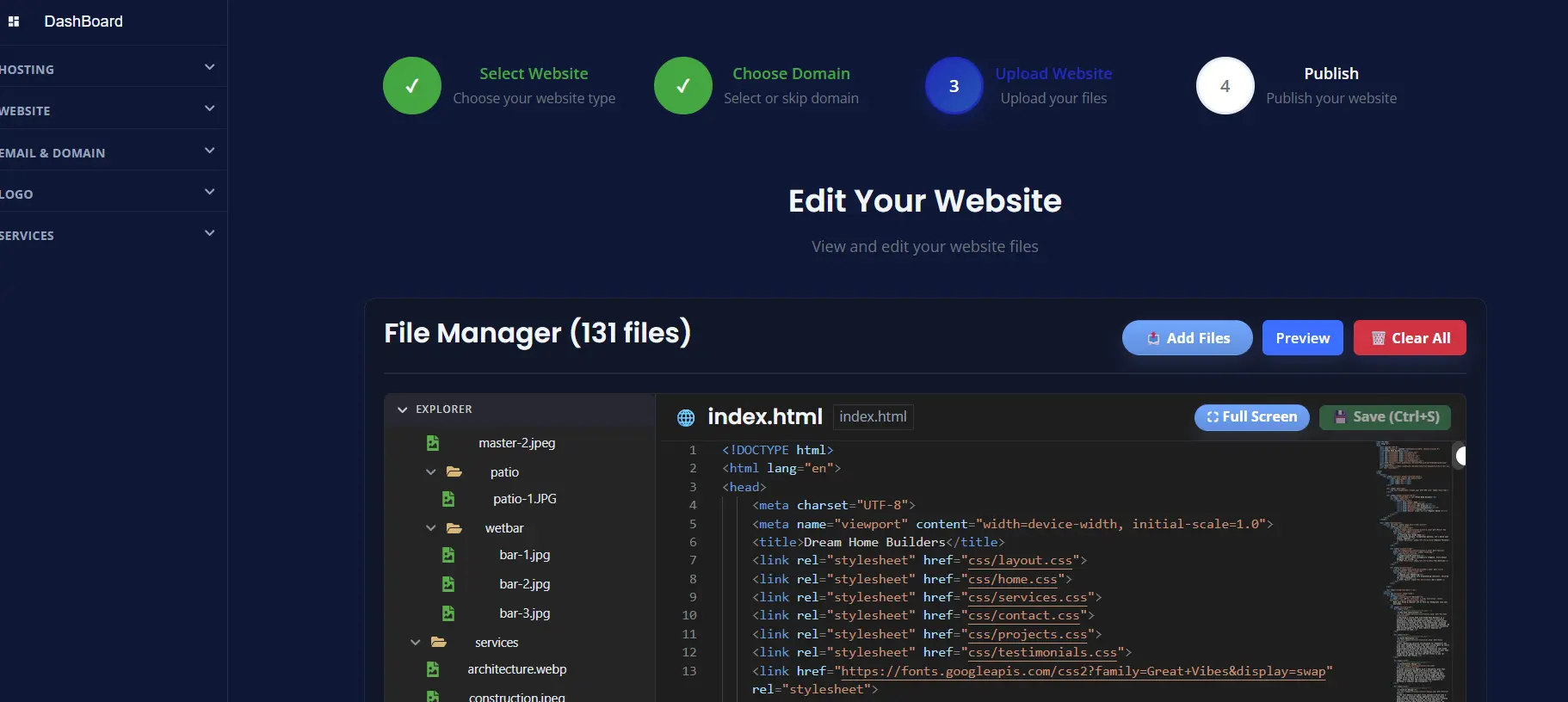
Your files load and you can start editing.
When Manage Website Is Unavailable
If no deployed website exists yet, Manage Website may show an informational message asking you to upload first.
Best Practice for Multiple Sites
For users with multi-site plans:
- Name each site clearly during upload.
- Add the final domain after deployment.
- Verify each site in Manage Website before going live.